How to integrate ChatGPT into Wordpress in 2025
How to integrate ChatGPT into WordPress in 2025

Are you tired of spending hours crafting content for your WordPress site? 🤔 Imagine having a powerful AI assistant at your fingertips, ready to help you create engaging posts, generate ideas, and even improve your site's functionality. Enter ChatGPT, the revolutionary language model that's taking the digital world by storm.
In this age of rapid technological advancement, staying ahead of the curve is crucial for any WordPress user. Whether you're a blogger, business owner, or web developer, integrating ChatGPT into your WordPress site can be a game-changer. 💡 But how exactly can you harness this AI powerhouse to enhance your WordPress experience?
Join us as we explore the exciting world of ChatGPT and WordPress integration. We'll dive into what ChatGPT is, the benefits it offers, and seven practical use cases that will transform your WordPress site. Plus, we'll guide you through two simple methods to start using ChatGPT in WordPress today. Get ready to unlock a new level of productivity and creativity for your website!
What is ChatGPT?
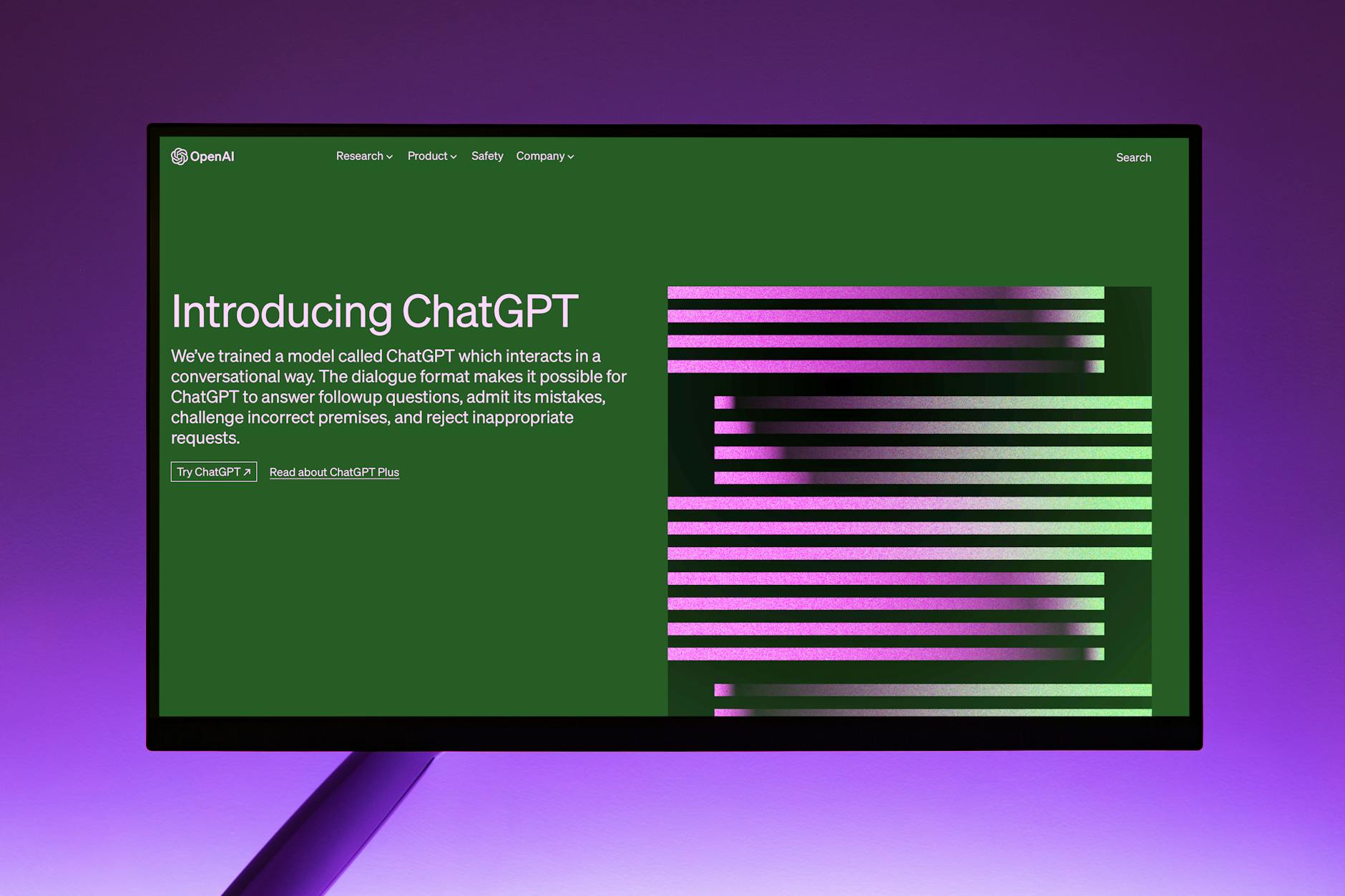
Understanding ChatGPT
ChatGPT is an advanced language model developed by OpenAI that uses artificial intelligence to generate human-like text based on input prompts. It's part of the GPT (Generative Pre-trained Transformer) family of models, specifically designed for natural language processing tasks.
Key Features of ChatGPT
-
Natural Language Processing: ChatGPT can understand and generate human-like text across various topics and styles.
-
Contextual Understanding: It maintains context throughout conversations, providing coherent and relevant responses.
-
Multilingual Capabilities: ChatGPT can communicate in multiple languages, making it versatile for global use.
How ChatGPT Works
ChatGPT operates on a complex neural network trained on vast amounts of text data. Here's a simplified breakdown of its process:
-
Input Processing
-
Context Analysis
-
Response Generation
-
Output Refinement
Applications of ChatGPT
| Application | Description |
|---|---|
| Content Creation | Generates articles, blog posts, and marketing copy |
| Customer Support | Powers chatbots for instant customer assistance |
| Code Generation | Assists developers with code snippets and explanations |
| Language Translation | Facilitates communication across language barriers |
Limitations and Considerations
-
Potential for biased or incorrect information
-
Lack of real-time knowledge updates
-
Ethical concerns regarding AI-generated content
With its powerful capabilities, ChatGPT has become a valuable tool for various industries, including web development and content management systems like WordPress.
What is Generative AI?

Understanding Generative AI
Generative AI refers to artificial intelligence systems capable of creating new content, such as text, images, or even code. Unlike traditional AI that follows predefined rules, generative AI learns patterns from vast amounts of data and uses this knowledge to produce original outputs.
Key Components of Generative AI
-
Machine Learning Models: Advanced algorithms that process and learn from data
-
Neural Networks: Layered structures inspired by the human brain
-
Natural Language Processing: Ability to understand and generate human-like text
Applications in WordPress
Generative AI can be applied to various aspects of WordPress websites:
| Application | Description |
|---|---|
| Content Creation | Generating blog posts, product descriptions, and headlines |
| Design Assistance | Creating custom graphics and suggesting layout improvements |
| SEO Optimization | Generating meta descriptions and keyword suggestions |
| Chatbots | Powering interactive customer support on WordPress sites |
Benefits for WordPress Users
-
Time-saving: Automates repetitive tasks like content creation
-
Creativity boost: Provides new ideas and perspectives
-
Personalization: Tailors content to specific audience segments
-
Scalability: Enables rapid production of high-quality content
Generative AI, particularly models like ChatGPT, is revolutionizing how we interact with and manage WordPress websites. By understanding its capabilities, website owners can leverage this technology to enhance their online presence and streamline their workflows.
Benefits of Using ChatGPT in WordPress

Improved Content Creation
ChatGPT's integration with WordPress offers a significant boost to content creation. With its ability to generate human-like text, bloggers and website owners can:
-
Quickly draft blog posts
-
Create engaging product descriptions
-
Develop compelling meta descriptions for SEO
Enhanced User Engagement
Implementing ChatGPT can dramatically improve user interaction on your WordPress site:
-
24/7 customer support through AI-powered chatbots
-
Personalized content recommendations
-
Interactive FAQ sections
Time and Resource Savings
By automating various tasks, ChatGPT helps WordPress users save valuable time and resources:
| Task | Time Saved | Benefit |
|---|---|---|
| Content Generation | 50-70% | More time for strategy |
| Customer Support | 30-50% | Reduced support staff needs |
| SEO Optimization | 40-60% | Improved search rankings |
Multilingual Capabilities
ChatGPT's language prowess enables WordPress sites to easily cater to a global audience:
-
Instant translation of content
-
Localization of marketing messages
-
Creation of language-specific SEO elements
Improved SEO Performance
Integrating ChatGPT can significantly boost your WordPress site's search engine optimization:
-
Generation of keyword-rich content
-
Creation of optimized meta tags
-
Development of internal linking strategies
Now that we've explored the benefits of using ChatGPT in WordPress, let's dive into some specific use cases to see how you can apply these advantages to your website.
7 Use Cases for Using ChatGPT in WordPress

A. Researching Blog Post Ideas
ChatGPT can be a powerful tool for generating blog post ideas tailored to your WordPress site. By analyzing your existing content and target audience, it can suggest relevant topics that resonate with your readers.
-
Input your niche and target audience
-
Ask for trending topics in your industry
-
Request content ideas based on your existing popular posts
B. Generating Outlines
Once you have a topic, ChatGPT can help create comprehensive outlines for your blog posts:
-
Provide the main topic
-
Ask for key sections
-
Request subpoints for each section
-
Refine the outline based on your preferences
C. Writing and Debugging Code
ChatGPT can assist in writing and debugging WordPress code:
| Task | Description |
|---|---|
| Writing | Generate custom functions, CSS, or JavaScript |
| Debugging | Analyze error messages and suggest fixes |
| Optimization | Provide tips for improving code efficiency |
D. Creating Plugins
Leverage ChatGPT to streamline your plugin development process:
-
Brainstorm plugin ideas based on WordPress needs
-
Generate basic plugin structures and boilerplate code
-
Assist in writing plugin documentation
E. User Engagement
Enhance user interaction on your WordPress site with ChatGPT:
-
Create engaging chatbots for customer support
-
Generate personalized content recommendations
-
Develop interactive quizzes and surveys
F. SEO Optimization
Utilize ChatGPT for improving your WordPress site's SEO:
-
Generate meta descriptions and title tags
-
Suggest relevant keywords for your content
-
Provide tips for optimizing content structure
G. Generating Web Content
ChatGPT can help create various types of content for your WordPress site:
-
Blog posts and articles
-
Product descriptions
-
Landing page copy
-
Social media updates
By leveraging ChatGPT for these use cases, you can significantly enhance your WordPress site's functionality, content quality, and user experience. Next, we'll explore the methods to integrate ChatGPT into your WordPress workflow.
How to Use ChatGPT in WordPress: 2 Methods
A. Divi AI
Divi AI is a powerful integration that brings ChatGPT's capabilities directly into the Divi WordPress theme. This seamless integration allows users to harness the power of AI without leaving their familiar Divi environment.
Key Features of Divi AI:
-
Content Generation: Quickly create high-quality blog posts, product descriptions, and more.
-
Design Assistance: Get AI-powered suggestions for layout and design elements.
-
SEO Optimization: Automatically generate meta descriptions and titles optimized for search engines.
-
Multilingual Support: Create content in multiple languages with ease.
| Feature | Benefit |
|---|---|
| In-built Integration | No need for additional plugins |
| User-friendly Interface | Easy to use for both beginners and experts |
| Time-saving | Accelerates content creation process |
| Customizable Output | Tailor AI-generated content to your brand voice |
B. AI Engine
AI Engine is a versatile WordPress plugin that integrates ChatGPT functionality into your site, offering a wide range of AI-powered features for content creation and site optimization.
AI Engine Capabilities:
-
Chatbot Creation: Build custom chatbots for customer support or lead generation.
-
Content Enhancement: Improve existing content with AI-powered suggestions.
-
Image Generation: Create unique images using text prompts.
-
Code Assistance: Get help with custom CSS and PHP snippets.
| Aspect | AI Engine | Divi AI |
|---|---|---|
| Compatibility | Works with any WordPress theme | Exclusive to Divi theme |
| Feature Set | Broader range of AI applications | Focused on Divi-specific features |
| Learning Curve | Steeper due to more options | Easier, integrated with Divi interface |
With these powerful tools at your disposal, integrating ChatGPT into your WordPress site becomes a straightforward process. Whether you choose Divi AI or AI Engine depends on your specific needs and current WordPress setup.
Final Thoughts on Using ChatGPT in WordPress
Leveraging ChatGPT in WordPress: A Game-Changer
As we've explored throughout this post, integrating ChatGPT into WordPress opens up a world of possibilities for website owners and content creators. The synergy between AI and WordPress has the potential to revolutionize how we approach web development, content creation, and user interaction.
Key Takeaways
Here are the main points to remember about using ChatGPT in WordPress:
-
Efficiency boost: ChatGPT can significantly speed up content creation and website management tasks.
-
Enhanced user experience: AI-powered chatbots and personalized content can greatly improve visitor engagement.
-
Versatility: From content ideation to code generation, ChatGPT's applications in WordPress are diverse.
-
Continuous learning: As AI technology evolves, so will its capabilities within the WordPress ecosystem.
Considerations for Implementation
When integrating ChatGPT into your WordPress site, keep these factors in mind:
| Aspect | Consideration |
|---|---|
| Ethics | Ensure AI-generated content is transparent and aligns with your brand values |
| Quality control | Review and refine AI outputs to maintain high standards |
| SEO impact | Balance AI-generated content with unique, human-created material |
| User privacy | Implement strong data protection measures when using AI features |
While ChatGPT offers incredible benefits, it's crucial to approach its integration thoughtfully. By doing so, you can harness the power of AI to enhance your WordPress site while maintaining authenticity and quality.Integrating ChatGPT into WordPress opens up a world of possibilities for website owners and content creators. From generating engaging content to providing personalized user experiences, this powerful AI tool can revolutionize the way you manage and enhance your WordPress site. By leveraging ChatGPT's capabilities, you can streamline your workflow, improve user engagement, and stay ahead in the competitive digital landscape.


Comments
Post a Comment